Prior to using online services in full, users need to create an account on the respective platform. In this context, users must familiarize themselves with the required information for registration, account verification as well as the necessary security measures to use an account. Being informed about these aspects helps to prevent errors which may occur during account registration.
WazirWin Account Registration is a topic much searched for by new users of the website and even by existing users who wish to gain a greater knowledge of the account(s) that they already have. Understanding how to complete the WazirWin account sign up process is crucial to getting to grips with the full range of features available on the website.
The typical steps to set up an online account are to fill in the required information, read terms and conditions, complete verification as instructed by online verification channels, provided by the service. Online services change their terms and conditions from time to time so account creation may differ.
In this guide we explain how registration at WazirWin works, what you have to watch out for before you open an account, how to verify your registration and what to do if you encounter problems during the registration process.
Understanding WazirWin Account Registration
When you create an online account, the user gets a new online account. Online accounts allow their holders to use online services, edit account information and change account settings.
Before you register to create an account on WazirWin Online Cricket ID for WazirWin accounts information on features are provided for your information and guidance. Please read the registration guidance before signing up for an Online Cricket ID account on WazirWin.
The registration process typically encompasses several key areas:
Basic Information: We require you to provide some basic information with a view to creating an online account.
Contact Details: Verify any additional contact information that may be required to facilitate communication.
Account Credentials: In accordance with user advice for online account creation on WazirWin, the online cricket account holders must adhere to the guidelines above when creating account login information to enable online access to all online services offered by WazirWin.
Verification: This step may consist of verification of the account or/and the User’s identity.
Terms and Conditions: You must read the terms and conditions of the account and how you will use your online cricket account on WazirWin Online Cricket ID.
Account Security: Taking steps to protect personal information and online account login information.
Providing this information and familiarizing yourself with the online processes can help make your account creation a much easier online process. For more information regarding cricket account services for WazirWin, click here to read about the WazirWin Online Cricket ID.
Important Things to Check Before Creating a WazirWin Account
Several things should be clear to you before you can register. What information are you required to enter when opening an online account and what are the rules for account holders?
1. Verify the Correct Website Address
Be aware of websites which have been copied by cybercriminals. It is also possible that you have clicked on a misleading hyperlink within a website. Always access the official Vabysmo website via the link provided on this page. When accessing our registration page via link on an advertisement, email or social media message, please be aware that these links could potentially direct you to a scam website.
2. Understand the Eligibility Requirements
Online services are restricted to specific age groups or even to certain countries and sometimes only certain types of accounts can be opened online. We recommend you to find out which of the online services we offer here are available to you and if they are even allowed to be opened online in your area.
3. Prepare Required Information
Make sure you have all the needed information about yourself and your contacts before you try to register an account online. Do not provide any sensitive information that is not required when registering for an account online.
4. Review the Privacy Policy
Review their Privacy Policy before sharing any sensitive information online to see how your data will be used once collected online.
5. Familiarize Yourself with Account Rules
These conditions set out your responsibilities as an account holder. They should be read before you register an account with us. By registering an account with us you agree to be bound by these Terms and Conditions for the use of our online services.
Table of Contents
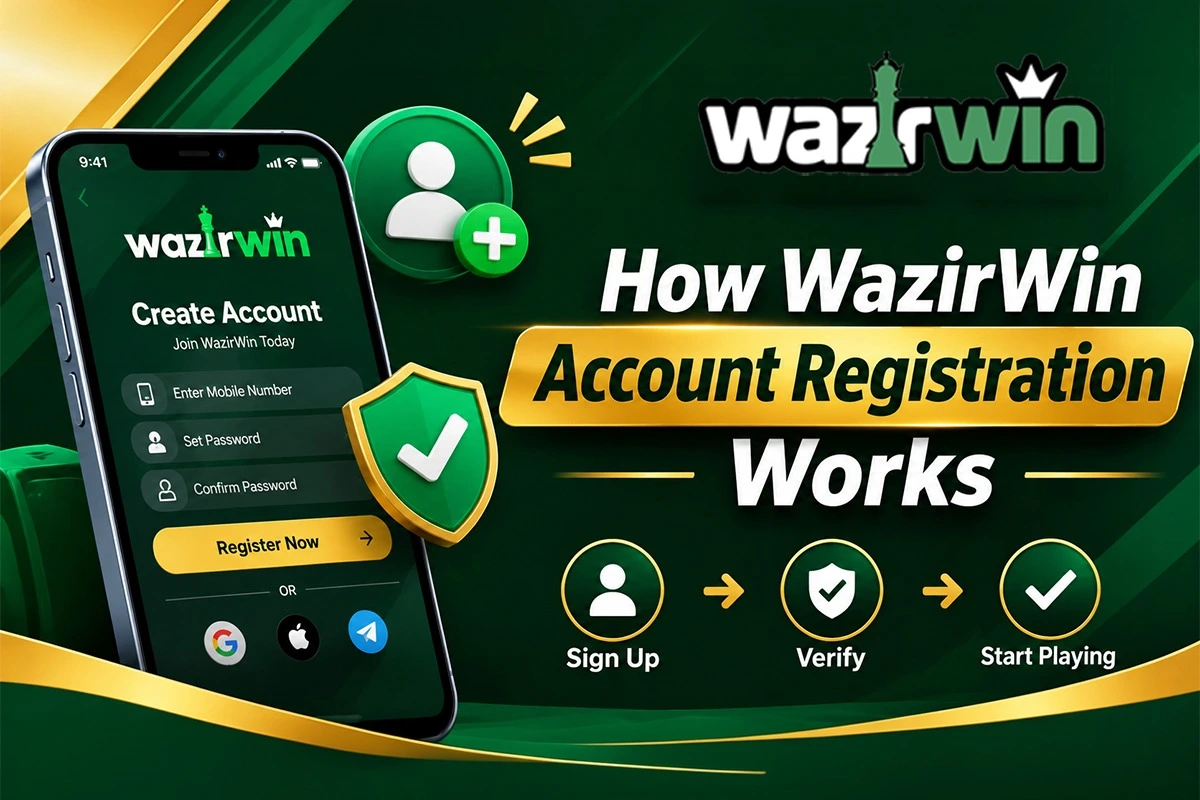
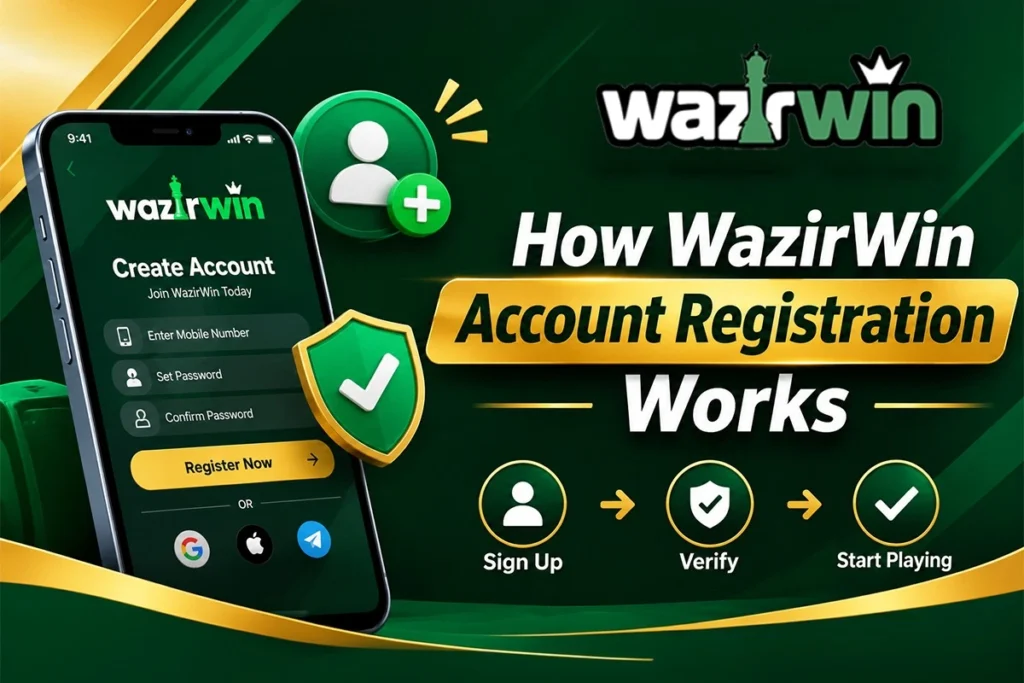
How WazirWin Account Registration Works
The instructions for registration on verified platforms are subject to change. Thus, it is best for you to refer to the current information on the web site’s registration page as opposed to relying on tutorials that are outdated.
The step by step instructions for registering online accounts are as follows.
Step 1: Visit the Verified Website
First you must visit the correct website for the information you require to register for an online account. Always check you are on the correct website before you enter any personal information online. Verify that the website you have visited is legitimate and don’t enter any information on suspicious looking sites that could potentially lead you to further trouble on the internet.
Step 2: Locate the Registration Section
Follow the site’s navigation to locate the section detailing account registration along with the account information required. This will enable you to understand the registration process for your account. Note that many sites similar in nature will require different account information for registration.
Step 3: Review the Requested Information
On the registration page the necessary information to open an online account for you is detailed. In each field you should enter only the information that has been explicitly requested for the account registration. Please do not provide any additional and therefore superfluous information.
Step 4: Create Secure Account Credentials
Unique passwords for every website in the world must be developed to ensure account security. Some easy passwords to avoid are listed above. A strong password contains an appropriate mix of characters. Never use the same password in other websites and keep it a secret.
- Avoid easily guessed personal information.
- Incorporate a suitable combination of characters.
- Differ from passwords used on other websites.
- Remain private and confidential.
Please do not share your password with any individuals that you may need to open an account for you.
Step 5: Complete Any Required Verification
Verification information for contact numbers and account ownership may be required for certain online services. Ensure that for any verification required by WazirWin that you adhere to their steps and only submit sensitive information or documents through the WazirWin verification process as outlined.
Step 6: Review the Registration Conditions
The terms and conditions of a service and the privacy policy of a service need to be read thoroughly for a newly created online account. In this way the rights and the obligations of the user will be clear.
Step 7: Check the Account Status
After you complete these steps you must check if the registration was completed correctly. In case you encounter an error message or other problems during verification, please follow the specified instructions to solve problems with your online registration. In case you need more information on registration please refer to WazirWin Registration Guide for online accounts.
Information That May Be Required During Registration
Due to the individual policies and verification procedures of the web sites, the registration requirements can vary. Some sites may only ask for basic contact information in order to open an account, while other sites require more information in order to guarantee the safety of your account and to check if you are allowed to open an account.
Some examples of registration information:
Personal Information
A registration form consists of a number of essential fields for the user’s account profile.
Contact Information
In some instances a platform may use a user’s contact information to send them account related information or to complete verification procedures. Again, it is best to find out how a platform intends to use a user’s information prior to supplying it.
Login Information
The account login details will be needed to access the user’s existing account; these should be kept confidential and be unique to that account.
Verification Information
When there are special requirements for the verification of an account in individual cases, users will be informed of the additional requirements and of the purpose of these requirements prior to submitting the relevant information and/or documents.
Please note that every online platform differs greatly when it comes to their required information for account verification and thus users should consult current registration rules and follow them to ensure safe account access and proper functioning.
How to Access an Existing WazirWin Account
Even after registration, access to a user’s account on the above website has to be done through the respective login page.
Login on the verified website (currently www.tomoroz leadership.com) must also be conducted in accordance with current website usage guidelines.
Some key considerations for account access include:
- Utilize the verified website address.
- Input the correct account credentials.
- Refrain from saving passwords on shared devices.
- Maintain confidentiality of verification codes.
- Remember to Log out after accessing your account from a public / shared computer.
- Follow the authorized recovery procedure if login details are forgotten.
Also limit the number of attempts to log in when using wrong details, in order to avoid a temporary lockout by the platform’s security measures.
Common WazirWin Registration Problems and Their Solutions
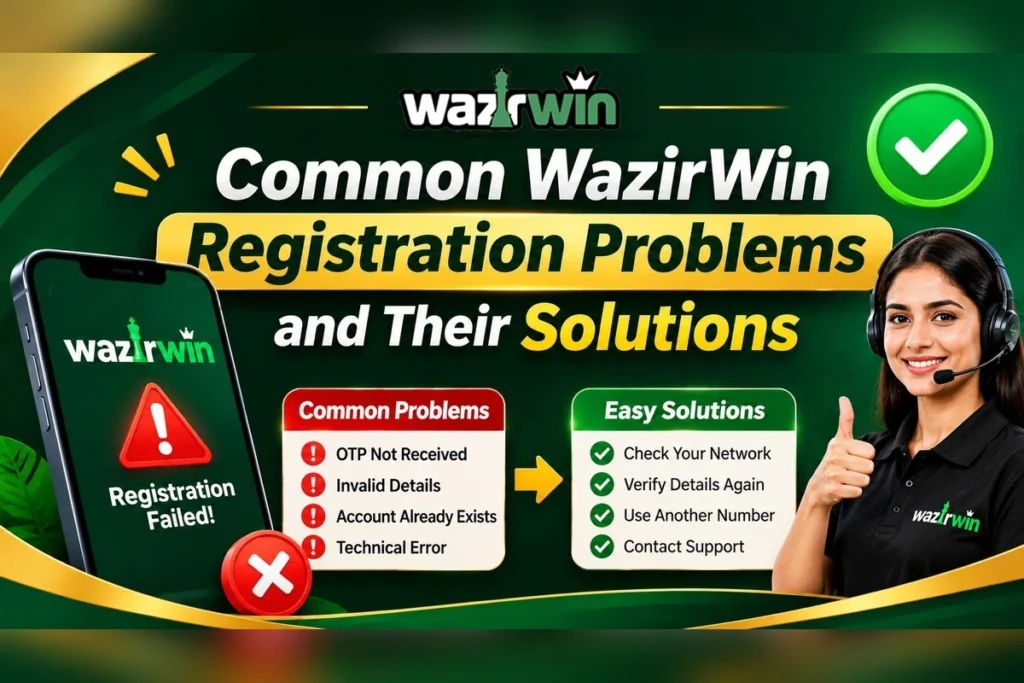
As with any online sign-up process, there are a number of potential problems that a user may encounter when attempting to register for a Miaoplay account. These could include problems with the information with which you try to register, technical issues with the Miaoplay site, issues with the account verification process and issues with the account creation eligibility criteria.
1. Registration Page Is Not Opening
Users may encounter problems with the registration page not loading. This could be caused by problems with the user’s internet connection, browser incompatibility or the website being down. Users can verify their internet connection, refresh the page or register using the latest version of their browser. Users must be careful when accessing websites other than the official registered site of Miaoplay as these may be clones or be fraudulent in nature.
2. Incorrect Information Error
When filling out the registration form for a Miaoplay account, the validation for the entered information may fail due to incorrect input or because the user is trying to circumvent certain restrictions for the registration by entering false information.
3. Verification Is Not Completed
We will send a verification message within a short period of time. Please complete the registration within the verification process and do not share the verification code with others.
4. Registration Request Not Accepted
Registration Request Not Accepted – the account does not fulfill any of the requirements for eligible accounts or the information provided has not been completed in full.
Please refer to the relevant terms and seek clarification via a verified assistance channel where necessary.
5. Duplicate Account Warning
Duplicate accounts may be restricted by certain platforms and services in accordance with their terms and account policies. If this warning message appears, please refer to the relevant rules rather than attempting to create more accounts.
6. Website Displays a Technical Error
Due to temporary technical issues the registration process might not work. Please come back later and check your browser and the website as well.
Continue to utilize the verified support channel for the issue should it persist.
Account Security After Registration
You need to protect your personal information as well as your login details after registration online for using services on the Internet.
Here are some recommended security practices.
Use a Unique Password
Using the same password online is not recommended as this increases the risk of that password being used following a security breach on another site online.
Protect Verification Codes
Never share OTPs or similar verification codes with strangers. Only enter verification codes through official channels as specified.
Avoid Unverified Links
Be cautious of messages sent to your registered email address (including within applications) which promise to upgrade your account or offer registration to gain bonuses. The message will always refer to the offer within the message itself rather than within a link to verify.
Review Account Activity
Review your account activity from time to time for unusual activity including logging into your account by someone else and changes to your account information.
Protect Personal Devices
Make sure that your personal computer’s operating system and browser are up-to-date and use caution when installing new software. Refuse to install software that requires grant of access to your online activities and/or personal information and settings.
Read Privacy Information
Also, read the website’s privacy statement and find out how your personal information is going to be used by them and how you can control the information you have given them about you when you open an account online.
Mobile and Desktop Account Registration
To begin the online registration process for the website’s online services, access these using any number of typical devices, becoming familiar with their use in order to complete registration online.
Mobile Registration
As with accessing online services on desktops and laptops, mobiles are able to access online platforms via the mobile browser. Users are able to view the website’s information and locate the relevant account features to complete the registration process.Ensure you have updated your mobile browser and entered the correct website URL prior to submitting online information.
Desktop Registration
The desktop version is shown on the largest screen. Here users can read all the terms and conditions in detail before they enter any personal information online. They can also read all the fields needed for the online account registration in detail and read the website’s privacy policy online.Don’t save your password on a shared computer.
Tablet Registration
Registration using a tablet is also possible and takes full advantage of the larger screen size.Registration can be completed and accounts accessed from any device. However, registration must always occur on the correct website and in line with the terms and conditions associated with that account.
Understanding Account Restrictions and Verification Requirements
Your account may be subject to certain restrictions. This includes cases where your information is incomplete, you are going through the verification process or your online activities require extra scrutiny.
Users should be mindful of the following considerations:
- You do not have permission to access a platform or account because you or your account do not fulfill the required criteria to use that platform or account.
- Verification requests must be submitted through authorized channels.
- Inaccurate account information can result in complications.
- Restrictions on multiple accounts may be applicable.
- Certain account activities may require additional verification checks.
It is very important to read the website’s and account’s terms and conditions in order to find out what may lead to an account closure or suspension.
When an account restriction has occurred, please refer to the reason within your account and if necessary contact the relevant Support Channel.
Be wary of individuals claiming to be able to open accounts for other users or complete verification for a fee to lift account restrictions, as they are often not recognized by the Company and could potentially cause further damage to the account.
Legal Awareness and Responsible Account Use
A user should find out the legal requirements in his location before he creates an account with an online gaming or betting company.
The laws regarding activities like online gaming and betting vary from state to state and even from activity to activity and hence it is advisable to check if the service you are interested in is legal in your state or not.
Just opening an account on an online gaming or betting website does not imply that all services offered by this website are also permitted by law.
Users must also understand that online gaming or betting should not be used as a means to earn money and must not be financed with money which is required for payment of vital expenses.
Some important precautions include:
- Meeting applicable legal age requirements.
- Reading all pertinent account terms and conditions.
- Avoiding borrowing money for gaming or betting purposes.
- Never sharing personal account credentials.
- Understanding the financial risks involved.
- Withdrawal from gaming/betting if it starts to adversely affect yourself personally or financially.
Hence, it is better to make an informed decision than signing up within no time.
Final Thoughts
Knowing the WazirWin Account Registration process will help users going through the process to open an account to understand the requirements of the registration process in detail.
Adhere to the most current verified registration guidelines and advice provided, use up-to-date information, stronger login details and terms and conditions for accounts etc to try to avoid many of the common problems associated with WazirWin registration.
By knowing the WazirWin Account Registration process, users will also learn the Privacy Policy, Terms and Conditions of accounts, Eligibility Criteria, Local Laws of accounts and so on which will help users in account creation and online security.
For more information on opening an account or the terms and conditions that we offer here at WazirWin please visit our website.
Frequently Asked Questions About WazirWin Account Registration
1. What Is WazirWin Account Registration?
This post is to introduce you to a comprehensive overview of WazirWin Account Registration through the new registration feature to create an account on the WazirWin platform.
2. What Information Is Required for WazirWin Registration?
There can be differences in the required information for registration on different platforms. Users must fill out all required information in the registration form which will be verified through recognized channels.
3. Can New Users Create an Account Using a Mobile Phone?
Note: If the new design of our website does not open properly on your mobile browser, you can try accessing the registration page from the Desktop Version of our website.
4. What Should Users Do If Registration Is Unsuccessful?
Problems with your registration can be solved by first checking the error message(s) given. If you have filled out all required fields correctly, double-check all fields for errors. In addition, there might be some steps of the verification process which haven’t been completed yet. Should you require any further assistance, kindly contact our dedicated support team.
5. Is Verification Necessary During Account Registration?
The verification requirements for registration will depend on current platform policies and users must comply with the information specified in the registration form and verify the same through recognized verified channels while submitting sensitive information.
6. Can Users Register Multiple WazirWin Accounts?
And to make things worse, the policies regarding account ownership can change at any time! So be sure to familiarize yourself with the current policies regarding this topic before opening up new accounts online.
7. What Should Users Do If They Forget Their Login Details?
For forgot password users will be given instructions to reset password online if account recovery is enabled for that user. Users must complete the verification requested to confirm ownership of the user. NEVER share confidential information with ANY recovery agent third parties.
8. How Can Users Protect Their Account After Registration?
When an online account registration has taken place, it is important to keep your account safe after this by using a good password to login, keeping all your One-Time Passwords (OTPs) for other transactions with WazirWin safe and be careful not to click on any suspicious link that may be sent to you via an email.
9. Can Registration Be Completed on a Desktop Computer?
Registration can also be completed on a desktop browser when you open our website via the appropriate browser and enter the right web address before you input any information.
10. What Happens If a Registration Request Remains Pending?
Pending account activation requests may need to go through verification on your part or require some time to process. Make sure to follow given instructions and refrain from sending identical information for registration purposes over and over again.